Vintage and retro logos
Type a name and get six logos in serif and slab type with muted colours, built to look like they were made decades ago.
Free. No sign-up. PNG and SVG.

What makes a logo look vintage
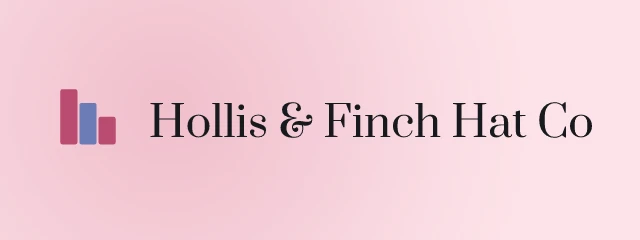
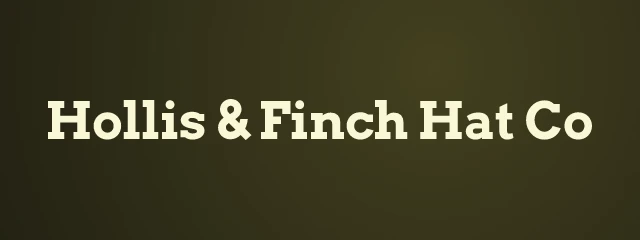
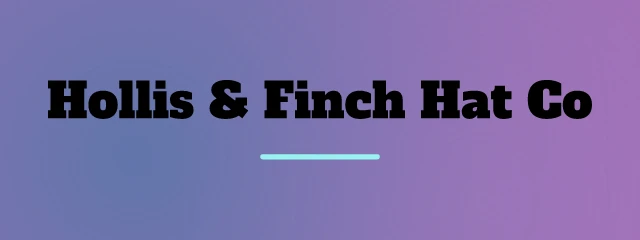
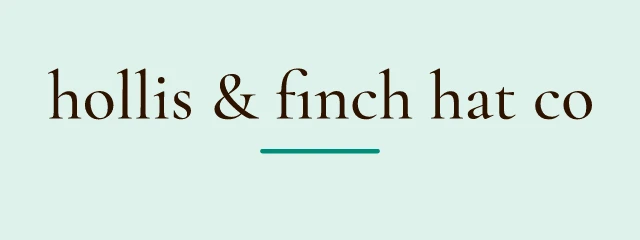
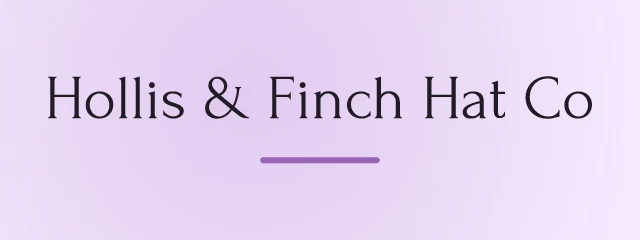
Old logos share a few habits. They use serif or slab type, they favour muted ink colours over bright ones, and they often sit inside a badge, a stamp or a seal. Logo Lava does not have a filter called vintage, so the look is made from three settings that you can see in the address of the logo: tone=vintage,retro, fontcat=serif,slab and scheme=muted. The six logos above use all three on a made-up hat shop.
The reason for the extra settings is that tone alone is a nudge and not a rule. When we tried tone=vintage by itself, the pull toward old-style type was weak, so the page pins the font category and the palette mood too. Each setting does its own part, and you can loosen any of them.
The type does the most
When the tone is vintage, the engine adds weight to serif fonts most of all (0.9), then slab serifs (0.7), then display faces and scripts (0.5 each). Setting fontcat=serif,slab removes the other categories, so you only draw from the old-style families. Change that one setting and the whole feel moves. The strip keeps the name and the seed the same and varies only fontcat.
One name, one seed, tone=vintage,retro and scheme=muted. Only fontcat changes.
 Edit and download
fontcat=serif Edit and download
fontcat=slab Edit and download
fontcat=display Edit and download
fontcat=script
Serifs read as classical and slabs as sturdy and a little industrial, the look of a hardware store sign or an old typewriter. Display faces give the decorative lettering of a circus poster. Scripts suit a name written as a signature. For the whole list, see the font catalogue.
Muted colour and patterned backgrounds
The engine tags 34 of its 311 palettes as vintage, and two as retro. scheme=muted pushes the draw toward lower saturation, so together they give softer, more earthy colour than the default. A vintage tone also raises the chance of a patterned background by 0.8, which gives some of the examples a patterned texture behind the name.
 Edit and download
Abril Fatface 400, wordmark, gradient background, none  Edit and download
Zilla Slab 700, horizontal, pattern background, sprig-01  Edit and download
Young Serif 400, horizontal, soft background, wave-13  Edit and download
Prata 400, badge, pattern background, glyph-09  Edit and download
Spectral 700, badge, gradient background, chevron-20  Edit and download
Noto Serif Display 500, horizontal, radial background, halftone-11
Of 1,068 symbols, 97 are tagged retro, which is where marks such as the steps and the halftone shapes in these come from. To fix a colour yourself, pass your own values as colors with something earthy, and the engine builds the palette around it.
Emblems and badges
A vintage logo often wants a container. An emblem sets the name inside a round, hexagon or shield seal, which is the classic shape for a bakery, a barbershop or a record label. A badge is a wide chip. Add layout=emblem to the same three settings and you get seals like these.
 Edit and download
Bellefair 400, emblem, mesh background, cup-01  Edit and download
Cinzel 500, emblem, solid background, halftone-01  Edit and download
Forum 400, emblem, pattern background, hexcluster-04  Edit and download
Aleo 500, emblem, pattern background, signal-09
The badge logo maker explains both layouts and the container values. For a food business that wants this look, the food page shows how to add the industry setting alongside these three. If a result is close but not right, press Shuffle for six more, then open the one you like in the editor to change the font, palette or mark on their own.
For developers
Use it from code
https://api.logolava.com/v2/logo.png?text=Hollis+%26+Finch+Hat+Co&tone=vintage,retro&fontcat=serif,slab&scheme=muted&seed=901352476Three settings make the look: tone=vintage,retro, fontcat=serif,slab and scheme=muted. Drop any of them to loosen the style.