Badge and emblem logos from a name
Type a name and get it set inside a badge, or inside a seal in the shape you choose.
Free. No sign-up. PNG and SVG.
Two layouts that look alike and are not
People use the words badge and emblem for the same thing, but Logo Lava draws them differently. A badge is a wide chip. The mark sits on the left, the name on the right, and the whole thing is held inside a pill shape. It reads well on a website header, on a label, or on the front of a T-shirt pocket. An emblem is closer to a seal. It is a square image with the name set inside a container, so it works where a logo has to be compact: a sticker, a stamp, a profile picture.
 Edit and download
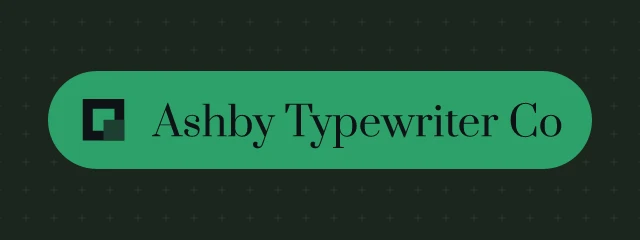
Rubik 700, badge, gradient background, sunset-13  Edit and download
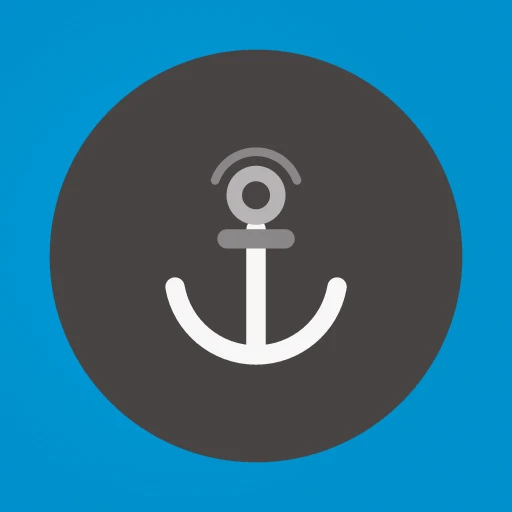
Roboto Slab 700, badge, soft background, orbit-11  Edit and download
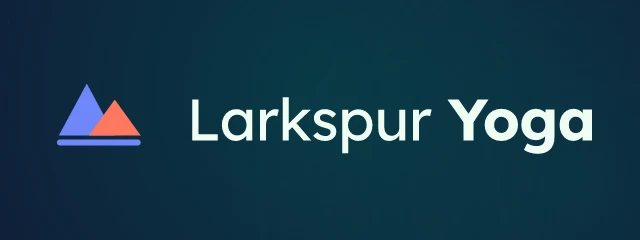
Hubot Sans 800, badge, radial background, house-09  Edit and download
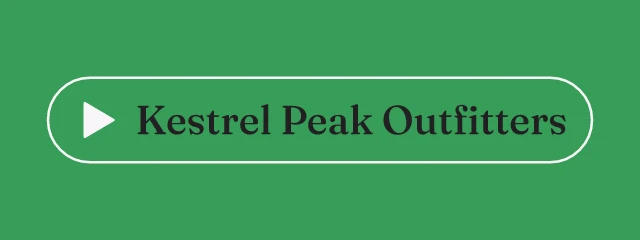
Montserrat 700, badge, gradient background, house-05
These four badges use the same call, layout=badge, with different seeds. The seed changes the font, the palette and the mark. All the names are made up for the examples.
Badge and emblem, side by side
The strip below keeps the name and the seed fixed and changes only layout. You can see what moves: the same palette and the same mark carry over, but the badge lays them out in a row and the emblem stacks them in a seal. Choose the badge when you have room across and the emblem when the space is square. Both come out at whatever size you ask for, from 16 to 2048 pixels on a side.
One name, one seed. Only layout changes.
 Edit and download
layout=badge Edit and download
layout=emblem
Choosing the shape of an emblem
An emblem needs a container to hold the name. The engine picks one from the seed, and the container parameter sets it yourself. For emblems the useful values are circle, hexagon, shield and diamond. A circle feels friendly and is the safest shape for a profile picture, because most sites crop avatars to a circle anyway. A hexagon looks technical or industrial. A shield suggests protection, heritage or a sports club, and a diamond is a distinct shape for a name that wants to stand apart.
One emblem, one seed. Only container changes.
 Edit and download
container=circle Edit and download
container=hexagon Edit and download
container=shield Edit and download
container=diamond
The shape changes how much room the name gets. A long name fits a circle or a hexagon more easily than a diamond, because the diamond narrows towards its points. If a name is cut short or looks cramped, change the container before changing the font.
 Edit and download
Bitter 500, emblem, gradient background, prism-17  Edit and download
Hubot Sans 500, emblem, gradient background, house-02  Edit and download
Lora 700, emblem, mesh background, arrow-13  Edit and download
Bellefair 400, emblem, soft background, peaks-01
Painting the mark
The mark inside a badge or emblem can be painted six ways with markstyle: solid, gradient, duotone, outline, glass and mono. Leave it on auto and the engine picks one. A single flat colour, solid or mono, is the most practical choice if the badge will be stamped, embroidered or printed in one colour. The other styles look richer on screen. The parameter reference shows all six on one name.
If you want a badge for a particular business, add a hint. A coffee roaster, a climbing gym and a law firm should not look the same, so type the name, then press Shuffle until the tone fits. Anything you like can be opened in the editor, where the font, palette and symbol can each be changed on their own. When it looks right, save it as a PNG or an SVG.
Where badges work and where they do not
A badge carries a lot of information in a small space, so it suits a business that sells to the public: a bakery, a brewery, a barber, a record label. It is less suited to a name that will be shown very small, such as in a browser tab, because the details inside the chip disappear at that size. For a tab icon, use the favicon generator instead, which draws a single mark. For a name that is only two letters, a monogram is the more natural choice.
Also check how the badge looks when it is small. Download it at the size you will use and look at it there, not only at the large preview. If the name is hard to read, pick a card with a heavier font or a plainer palette. These logos are made by software, so they are a fast way to find a direction and are not exclusive: the same name and seed give the same image to anyone.
For developers
Use it from code
https://api.logolava.com/v2/logo.png?text=Kestrel+Peak+Outfitters&layout=emblem&container=shield&seed=193249312&w=400&h=300layout=badge and layout=emblem are two values of one parameter. Add container to choose the shape of an emblem.