An AI logo generator that art directs the name
Type a name, press Enter, and Claude writes six directions for it. Each one becomes a logo you can open and edit.
Press Enter to design one with AI. One new AI design per 30 seconds.
What the AI does, and what it does not
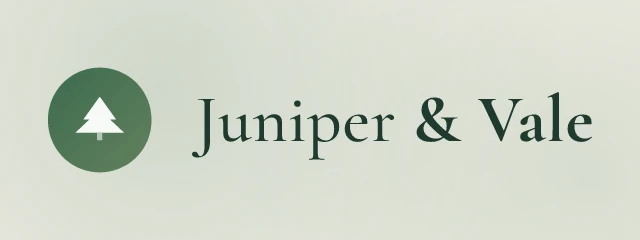
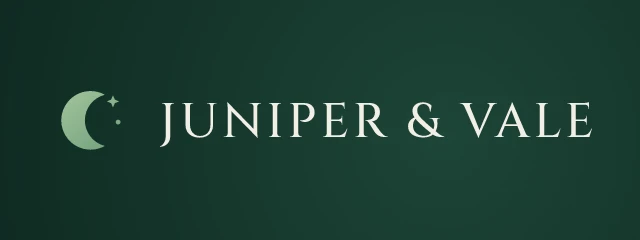
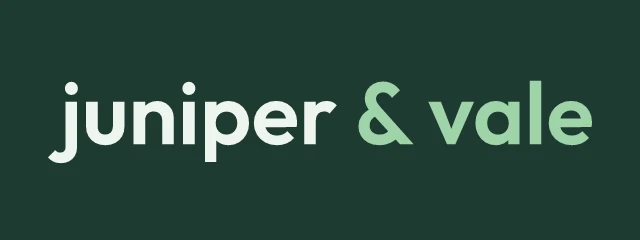
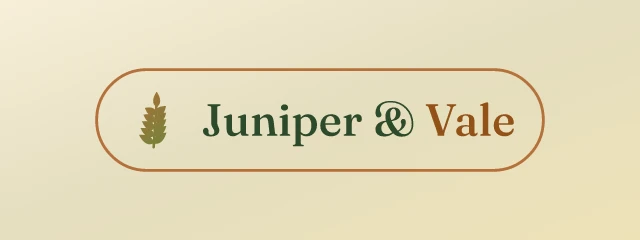
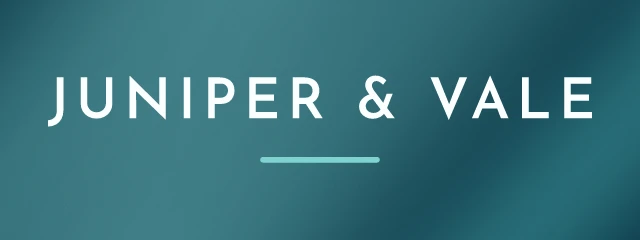
The AI does not paint the logo. Logo Lava draws every logo itself, from a library of 134 font families, 311 palettes and 1,068 symbols. What the AI adds is a decision: before anything is drawn, Claude Haiku 5.5 reads the business name and writes a short brief for it, with six different directions. Each direction names a palette, a background, fonts, a letter case, a layout and a family of symbols that fit the idea. The six above are the six directions for Juniper & Vale, a made-up boutique: quiet botanical elegance, deep forest night, modern botanical studio, sunlit meadow, coastal wave calm, and a bold modern valley mark.
Without AI, the engine chooses at random among things that suit the tone it reads in the name. With AI, the choice is made by something that has understood the name. The difference is most visible with a name that gives few clues, where the model can read Vale as a valley and Juniper as a tree, and so build a woodland idea and a coastal one.
Six directions, one name
A brief holds six directions and the seed picks one, so the six logos in a row come from one model call. For Kestrel Peak Outfitters the directions came back as alpine dawn, forest trail, night sky, sunlit ridge, wind-swept flight and a classic field kit. They differ in more than colour. One is a rugged sans on navy, another a warm slab serif on cream, another a pill badge in orange.
 Edit and download
AI direction 1: alpine dawn, rugged and precise. League Spartan 800, horizontal, peaks-11  Edit and download
AI direction 2: forest trail, warm and handmade. Zilla Slab 700, horizontal, tree-13  Edit and download
AI direction 3: night sky, sharp and watchful. Orbitron 800, horizontal, eye-03 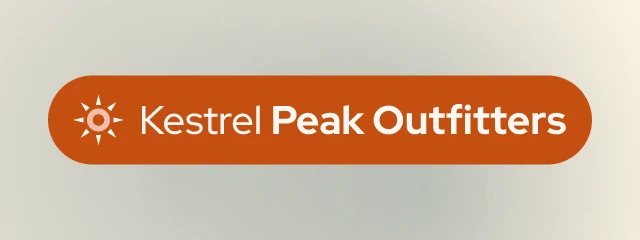 Edit and download
AI direction 4: sunlit ridge, bright and adventurous. Red Hat Display 800, badge, sun-19 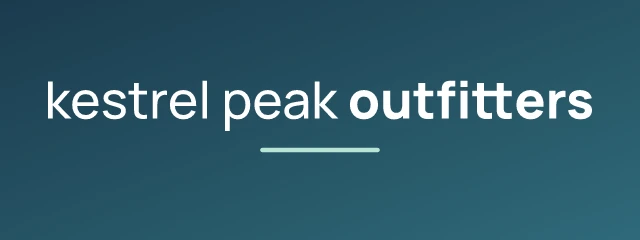 Edit and download
AI direction 5: wind-swept flight, sleek and modern. Manrope 800, wordmark, none 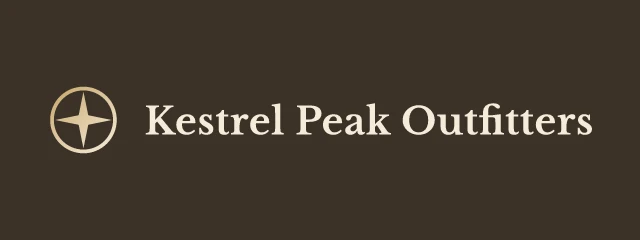 Edit and download
AI direction 6: classic field-kit, trusted and calm. Libre Baskerville 700, horizontal, compass-19
Pick the direction you like, then open it in the editor. From there you can keep the AI's palette and change the font, or the other way round, and each change is one setting that shows up in the address of the image.
Telling it what the business is
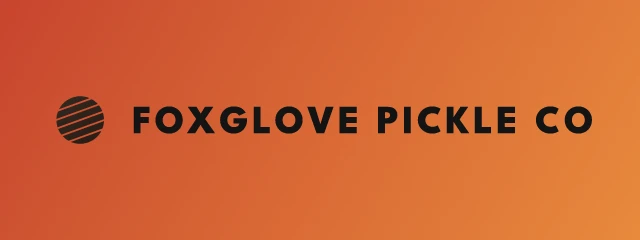
A name alone sometimes hides the business. Add hint=, up to 120 characters, and the model sees it. Below is Foxglove Pickle Co at the same seed, first with nothing added and then with the hint small-batch pickles sold at farmers markets, hand-lettered and old-fashioned. The hint produced a new brief, and with it a different direction: the first is a clean sans on a hot gradient, the second a cheerful rounded badge on plum and yellow.
 Edit and download
AI direction 3: bold tangy sunset, lively and punchy. League Spartan 800, horizontal, sunset-05  Edit and download
AI direction 3: bold farmhouse badge, cheerful and loud. Bagel Fat One 400, badge, sun-05
A hint changes the brief, so it counts as a new model call. Write it once and keep it.
Why there is a wait between designs
Each new brief is a call to a paid model. It costs about a tenth of a cent, which is small, but a free service with no sign-up cannot let anyone run unlimited calls. So the page allows one new AI design every 30 seconds per visitor, and without a key an address can make 20 new briefs a day. A free API key raises that to 300 a day.
The limit applies to new briefs only. A name that has been briefed before is served from the stored brief, so all six of its directions are free to look at, and any logo that is already cached costs nothing. That is why the grid waits for you to press Enter and does not redraw as you type. It would otherwise start a model call on every keystroke.
When it goes wrong, and the experiments
If the model is slow, over budget or returns something unusable, the logo is drawn by the standard engine and the response says so in an X-LogoLava-AI header, so you never get an error where a logo should be. aiset=2 asks for a second, different set of six directions for the same name, and tagline=ai has the model write a tagline. aimark=1 goes further and lets the model draw a custom mark from simple shapes. It is experimental. The mark is checked before use, and if the check fails the engine falls back to a symbol from the catalogue.
These logos are drafts to react to, and like all logos from the site they are not exclusive and not trademark-checked. The AI documentation lists every option and the header values. For logos with no AI step, see the free logo maker.
For developers
Use it from code
https://api.logolava.com/v2/logo.png?text=Juniper+%26+Vale&ai=1&seed=7005ai=1 asks the model for a brief on the name. The seed picks one of its six directions, so the same URL always gives the same logo.