Logos from a domain name
Type a domain such as yourname.io and get logos that treat the extension as part of the design.
Free. No sign-up. PNG and SVG.






A domain is a name with a tail
Most logo makers want a business name and treat a domain as an odd one. Logo Lava reads it for what it is. It separates the name from the extension, breaks a run-together name into words, and then decides whether the extension belongs in the picture. The six logos above use a made-up domain. These eight use others, all invented and not registered when this page was written.
 Edit and download
Aleo 700, horizontal, gradient background, anchor-11  Edit and download
Rubik 700, horizontal, radial background, anchor-15 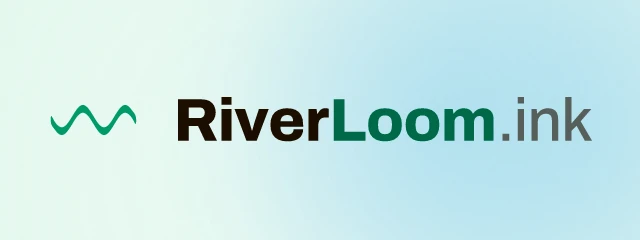 Edit and download
Archivo 800, horizontal, mesh background, wave-18 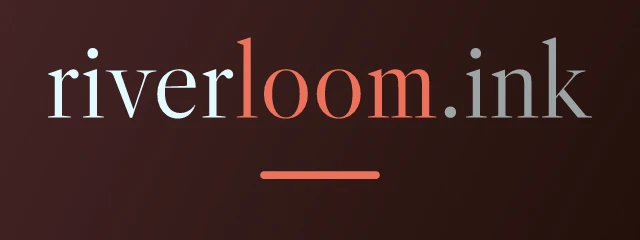 Edit and download
Libre Caslon Display 400, wordmark, gradient background, none 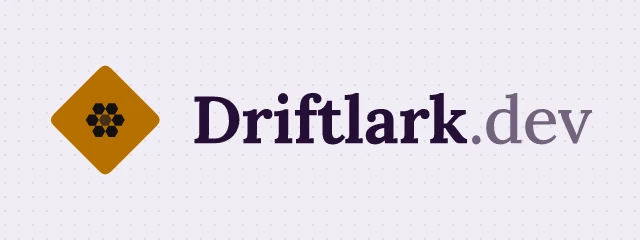 Edit and download
Lora 700, horizontal, pattern background, hexcluster-11 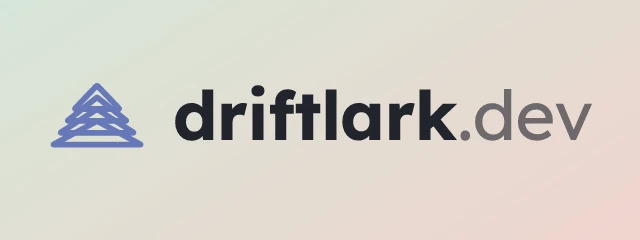 Edit and download
Lexend 700, horizontal, gradient background, tree-05  Edit and download
Cabin 700, badge, solid background, cube-02  Edit and download
Instrument Sans 500, horizontal, pattern background, wave-22
Words, extensions and the .com rule
Domains are written without spaces, so the first step is to find the words. Logo Lava checks the name against a list of common words and a short list of brand-style endings such as labs, hub, kit and stack, and picks the split that makes the most likely words. For example, bluefinlabs becomes Blue fin and Labs. That is how quietmint.ai can appear as Quiet Mint, or riverloom.ink as River Loom.
Extensions are handled by tld. The default, auto, hides the plain ones (.com, .net, .org, .info, .biz, .co.uk and .com.au), because a logo for a company on a .com rarely prints the .com. Distinctive extensions such as .io, .ai, .ink and .app are kept and drawn in a lighter weight, because they are part of the name. You can force either behaviour.
One domain, one seed. Only tld changes.
 Edit and download
tld=auto Edit and download
tld=show Edit and download
tld=hide Edit and download
tld=subtle
show prints the extension in every case, hide removes it, and subtle always sets it lighter than the name. The same seed keeps the font, colours and symbol, so the four images differ only where the extension is concerned.
When this is useful
A domain logo suits a landing page or a project that has a domain but no brand yet, a new product that is only a subdomain, or a name you are testing before you decide on it. Because the output is a plain URL, you can put the logo in a page header the moment the domain is chosen and replace it later. Use a favicon-sized version for the browser tab. The square icon layout works well for that, and its pixel sizes are covered in the docs on size and scale.
Wordmarks work especially well for domains because the extension reads naturally at the end of a line of type. If you want only the name, pass tld=hide and layout=wordmark. If the name is long, wrap=1 lets it break onto two balanced lines at a word boundary instead of shrinking.
For developers
Use it from code
https://api.logolava.com/v2/logo.png?text=riverloom.ink&tld=show&seed=1869082510The text parameter accepts a domain as it is. Use tld=show, hide or subtle to override how the extension is drawn.