A favicon from your name
Type a name and get square icons in a circle, squircle, hexagon or shield.
Free. No sign-up. PNG and SVG.
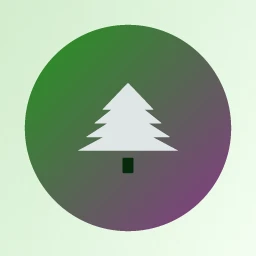
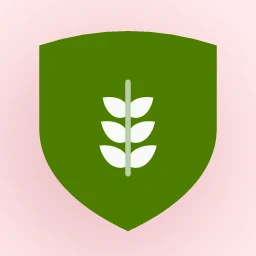
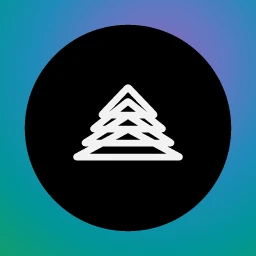

What makes a good favicon
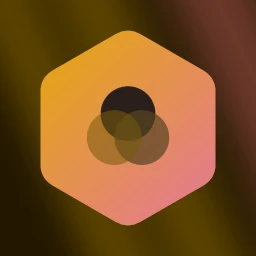
A favicon lives in a browser tab, at sixteen pixels wide. A full logo with a name under it turns to mush at that size, so an icon is a different thing: one bold mark, usually inside a shape so it holds together against a light or dark tab bar. Setting layout=icon does that. The engine drops the text, picks one symbol, and places it in a container.
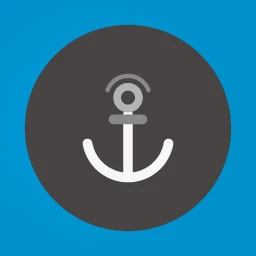 Edit and download
Rubik Mono One 400, icon, soft background, anchor-10  Edit and download
Chewy 400, icon, radial background, tiles-05  Edit and download
Italiana 400, icon, mesh background, tiles-65  Edit and download
Prata 400, icon, gradient background, camera-03 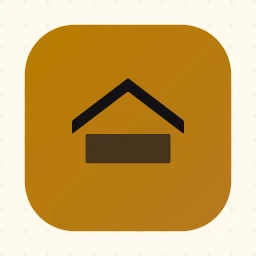 Edit and download
Poiret One 400, icon, pattern background, house-16 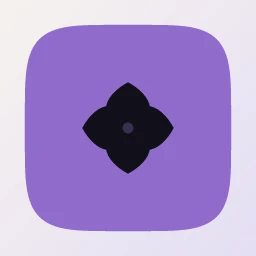 Edit and download
Josefin Slab 600, icon, gradient background, petal-09  Edit and download
Manrope 500, icon, solid background, fan-06  Edit and download
Marcellus 400, icon, aurora background, peaks-08
The names are invented, and none of these is a real business. Each icon is square, so the same image works as a tab icon, a home-screen icon and a profile picture.
The sizes browsers ask for
Ask for any size from 16 to 2048 pixels with w and h. The image is rendered at the size you ask for, not scaled down from a large one. These four come from one seed and are shown at their real pixel size. The fifth size, 512, is the same icon drawn bigger.
 16
16 32
32 180
180 192
192
Use 16 and 32 for the tab and bookmarks, 180 for the iOS home screen (the apple-touch-icon), and 192 and 512 for the web app manifest that Android reads. The 512 file is the large one, at around 115 KB for this design, so it is worth saving once and hosting yourself.
The HTML for your head
Download the files and serve them from your own site, which is faster and does not depend on anyone else's server. Then add these lines inside <head>.
<link rel="icon" href="/favicon.svg" type="image/svg+xml">
<link rel="icon" href="/favicon-32x32.png" type="image/png" sizes="32x32">
<link rel="apple-touch-icon" href="/apple-touch-icon.png">This produces PNG and SVG files, not .ico. You do not need an .ico file. Every current browser reads PNG icons, and SVG icons work in Chrome, Edge and Firefox, and in Safari from version 26. An old browser that cannot read the SVG falls back to the PNG on the next line.
Get the SVG by changing the extension to .svg. The Velvet Anchor icon on this page comes to about 7.6 KB as SVG, far smaller than its 512 pixel PNG, and it stays sharp at any size.
Choosing the shape
container sets the shape around the mark: circle, squircle, rounded, hexagon, shield or diamond, or none to let the symbol stand alone. Left on auto, the engine picks by seed. Round and squircle containers sit comfortably wherever a system rounds icon corners anyway. Shields and hexagons stand out in a row of browser tabs, which can help if your site is one of many open.
Two settings change how the mark itself looks. markstyle chooses between solid, gradient, duotone, outline, glass and mono, and solid is a safe start for a tab icon, since thin strokes disappear at 16 pixels. scheme=dark or scheme=light pushes the background darker or lighter, so you can match the tab bar your visitors use.
If your name is long, an icon needs only the initials. The monogram maker turns a name into letters inside the same containers, and works well when a symbol would say nothing about the business.
For developers
Use it from code
https://api.logolava.com/v2/logo.png?text=Velvet+Anchor&layout=icon&seed=1238766929&w=32&h=32Set layout=icon for a single mark, then ask for the pixel size you need with w and h. The same seed gives the same icon at every size.